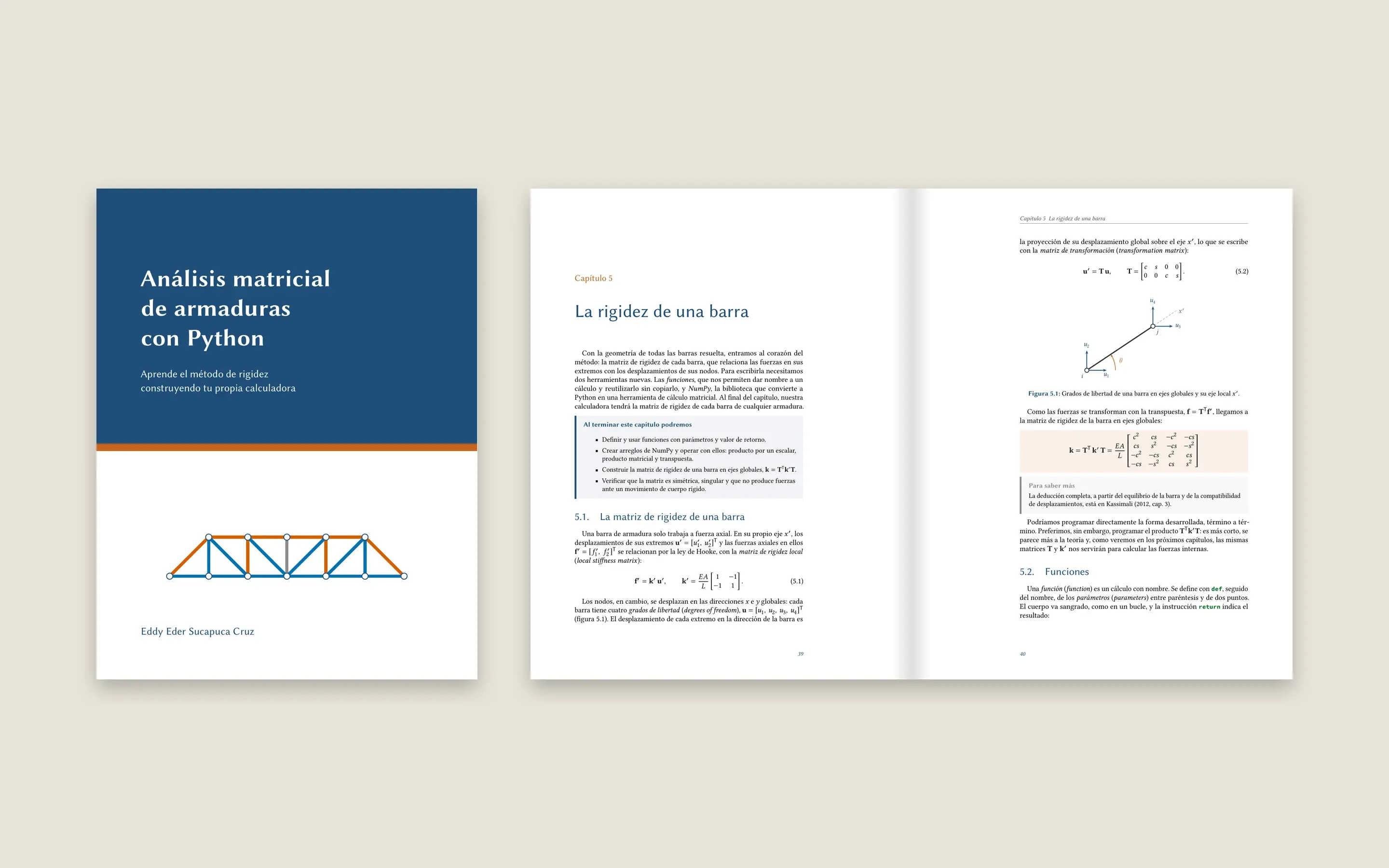
Análisis matricial de armaduras con Python
I wrote a book for fourth-year civil engineering students who have never coded: chapter by chapter, they turn the stiffness method into a 2D truss calculator they write themselves in Python, understanding every line.
- For
- Estudiantes de Ingeniería Civil
- My role
- Author: text, code, figures, layout and website
- Period
- 2026, preliminary edition
- Read online
- eder3232-libro-armaduras.vercel.app
186
pages, 12 chapters and 6 appendices
35
notebooks that open in Colab
71
tests that check every result
The problem
At university we learn the stiffness method by hand and then use commercial software that is a black box. Python courses, meanwhile, teach with examples that have nothing to do with structures. Students never bring the two together.
And for someone who has never coded, installing Python is where they give up. The book had to work without installing anything.
What I built
A calculator the student writes
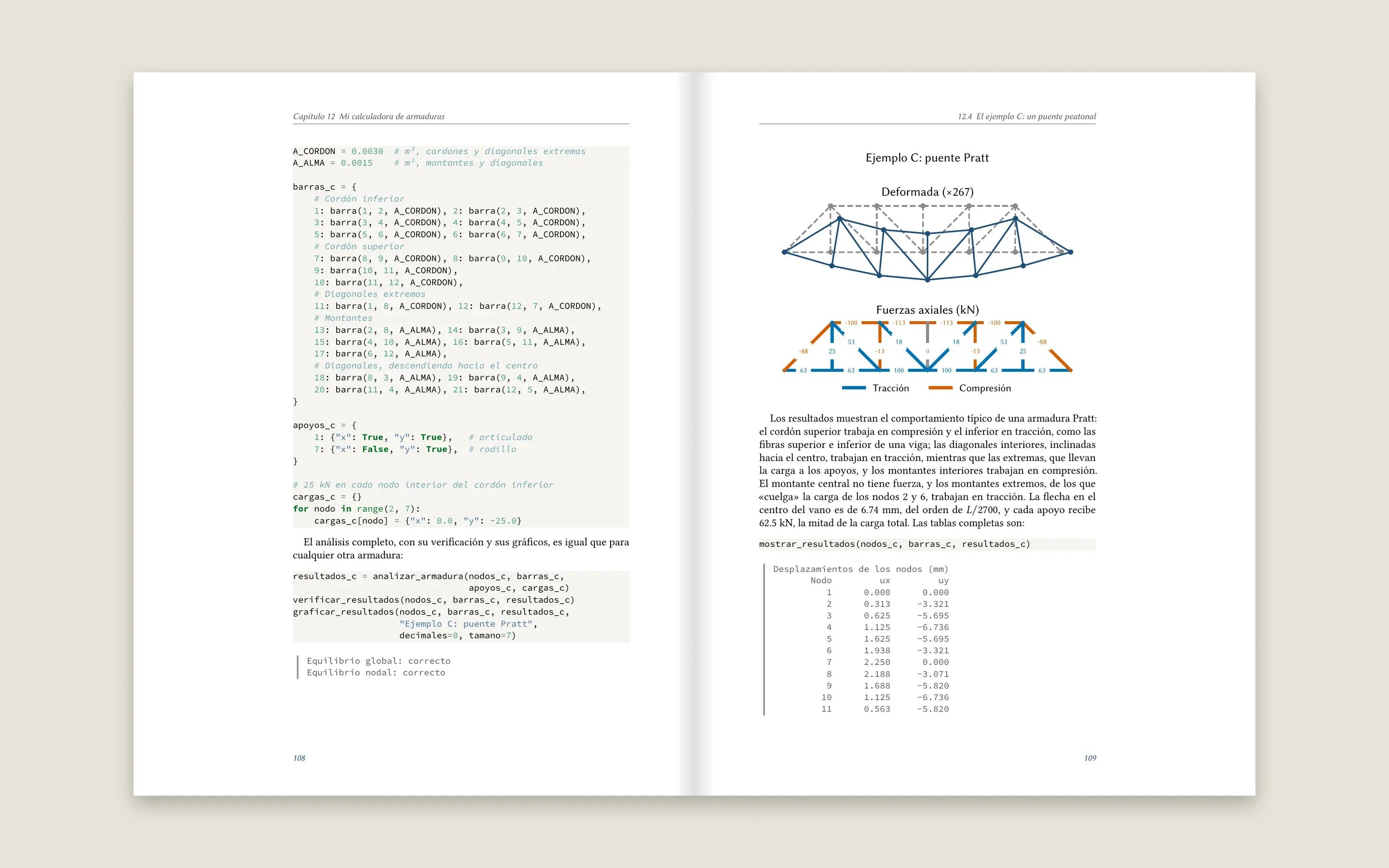
Each chapter adds a piece: geometry, stiffness matrix, assembly, displacements, forces and plots. By the end, the student has their own “My truss calculator” notebook, with engine, data and results, and solves a Pratt bridge.
Python right when it's needed
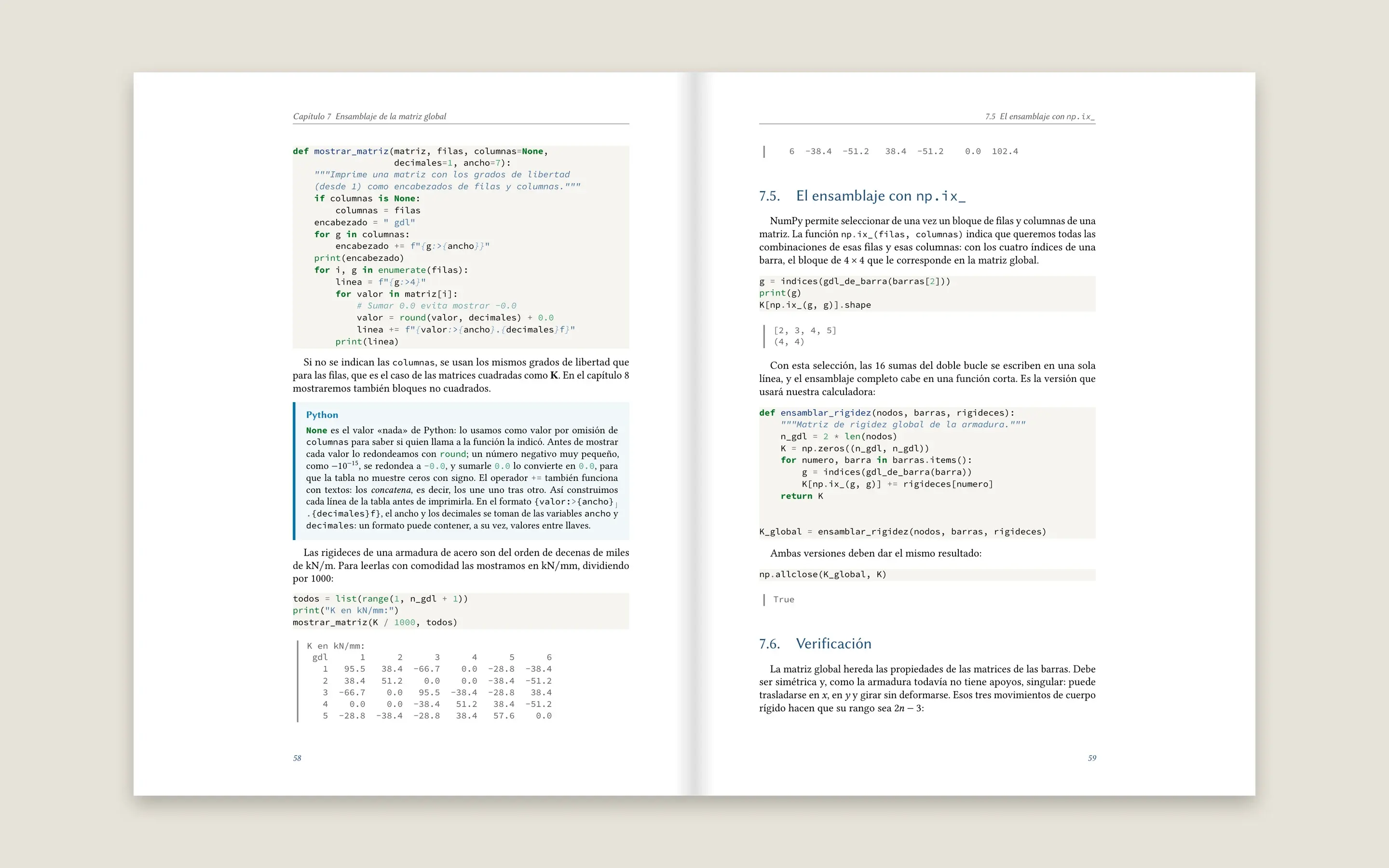
Each Python tool shows up when the method needs it: dictionaries to describe the truss, functions for a member's matrix, NumPy to assemble. Nodes, members and degrees of freedom are counted from 1, as in class.
Nothing to install
Students work in Google Colab from their own Drive. Each chapter comes with its notebook, its solutions and a checkpoint with all the code so far, to catch up if something went wrong.
No number typed by hand
Every result quoted in the text comes from running the book's code, and the tests check that the calculator satisfies equilibrium in every example and matches OpenSees, an open-source structural analysis program. The examples use real steel, sections and loads.
How it's made
A technical book in three formats drifts out of sync by itself: you fix a number in the PDF and it stays wrong on the web. The rule was that nothing is written twice. Here's how you can build one:
- 1
The prose, in LaTeX
The text is written once, in LaTeX, with a custom layout. Figures are TikZ, and the math notation lives in one macro file that the website also uses.
LaTeXTikZlatexmk - 2
The code, in Python files
One file per chapter, in Jupytext's cell format. Each cell is tagged: whether it goes into the calculator, is just for exploring, or records a number the text quotes. The book quotes snippets by name, never by line number.
PythonNumPyMatplotlibJupytext - 3
The notebooks are generated
A script runs the code and builds three notebooks per chapter: the lesson, the solutions and the checkpoint. Nobody edits them by hand. Since they live on GitHub, they open in Colab with one click.
JupyternbclientGoogle Colab - 4
The website comes from the same LaTeX
A converter turns each chapter into MDX, and Next.js publishes it as a static site. Formulas are rendered with KaTeX using the PDF's own macros, and TikZ figures are converted to SVG.
Next.js 16MDXKaTeXVercel - 5
One command builds it all
uv run python scripts/construir.py compiles the PDF, generates the notebooks and the website, and runs the tests. If a number in the text no longer matches what the code gives, the build stops.
uvpytest
Built with
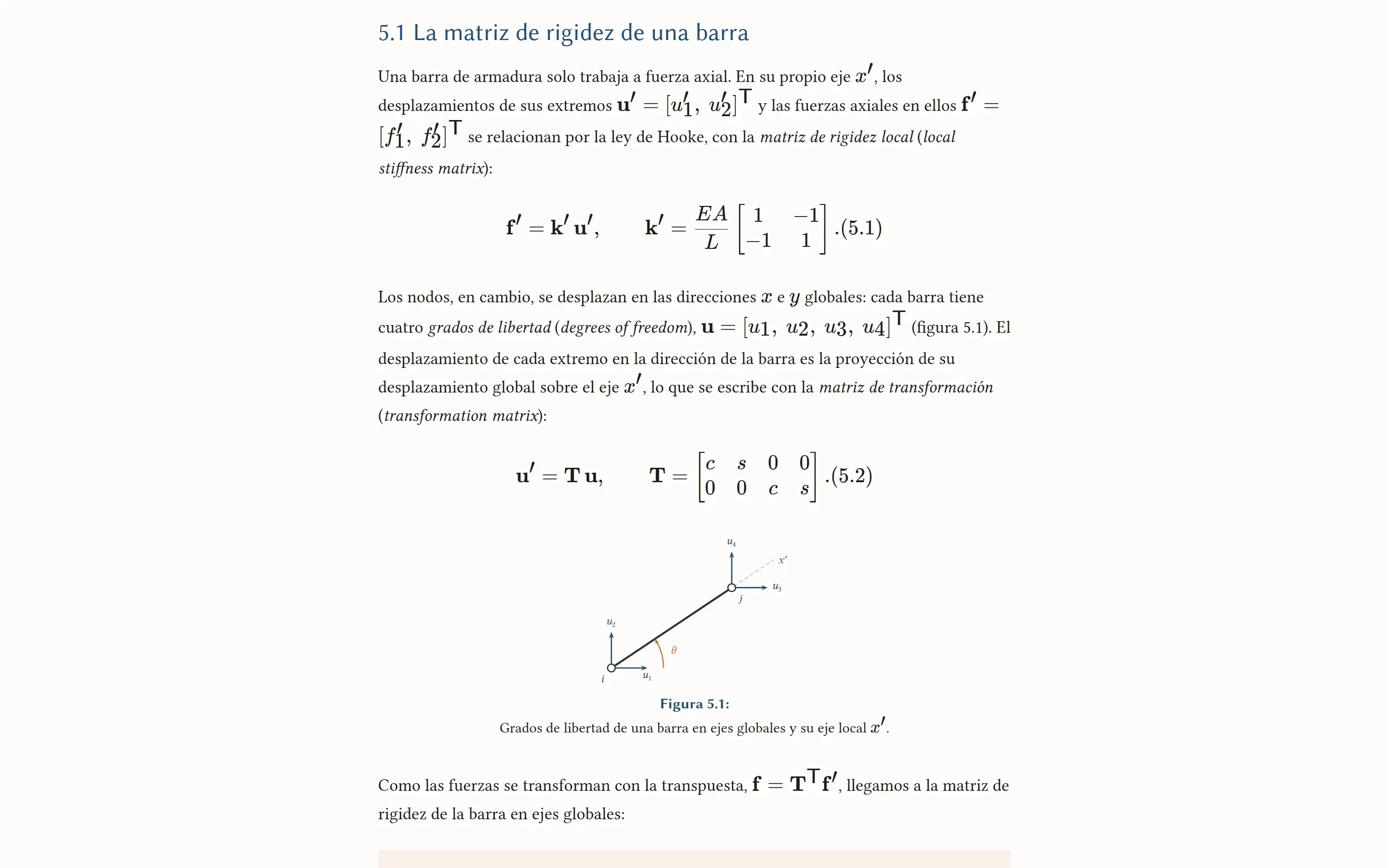
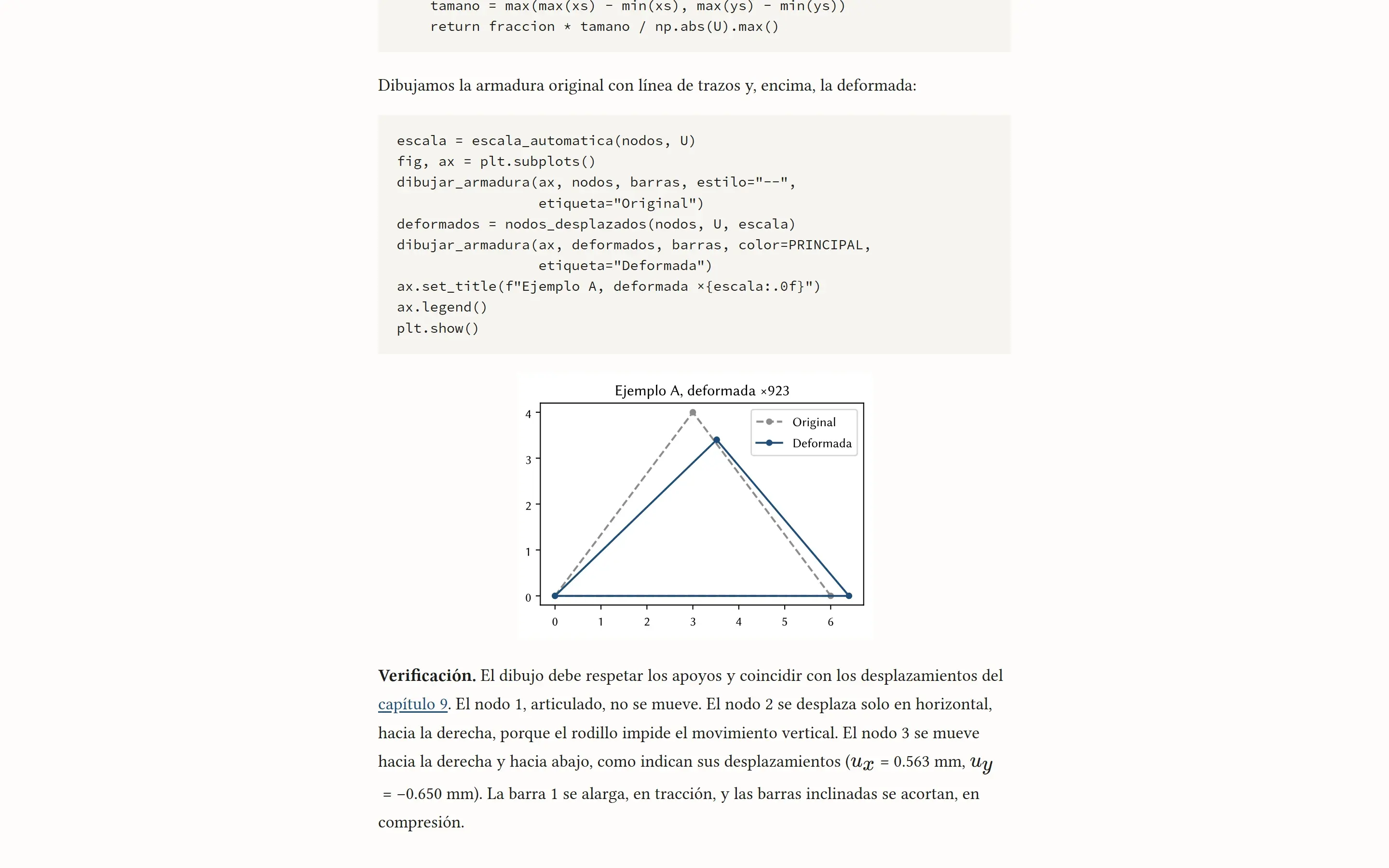
What it looks like
What came next
This is the preliminary edition: the examples are already validated against OpenSees (appendix D), and only a few screenshots are still pending. Next up: running the code right on the web page, interactive animations and a second part with settlements, temperature and inclined supports.
Using it in your course, or found a mistake?
Message me on WhatsApp